AI / 01
BUSINESS ROLE / 01Lead generation
Connect selected sources, discovery and qualification to your lead pipeline.
BUSINESS-TRAINED
Define the business, build your employees and connect knowledge and accounts in a clear operating workflow.
Define each employee's role, knowledge and voice. Connect them to your business workflows and accounts.
Connect selected sources, discovery and qualification to your lead pipeline.
Handle openings, needs discovery, follow-up and the next sales step.
Respond using approved business knowledge and hand over according to your rules.
Bring contacts, stages and history into a view your business can act on.
Use Brain Studio to define tone, knowledge, restrictions and opt-out rules. Account assignments and approved knowledge are set separately by role.
Explore how leads, AI employees and CRM connect in one workflow. An illustration using sample data.
Select sources and topics around your business. Warm request, negation and area rules help separate a relevant need from noise.
 AI VORAWORKSPACE
Looking for a car for a week in Koh Phangan. Any recommendations?
Choose sources, review revisions and approve knowledge for each employee. Build workflows around the information you select, with source and freshness.
Define who receives replies, what actions are allowed and which topics require review. Work moves within boundaries that fit your business.
A response policy for each topic. A role and knowledge for each employee. A next step for every lead.
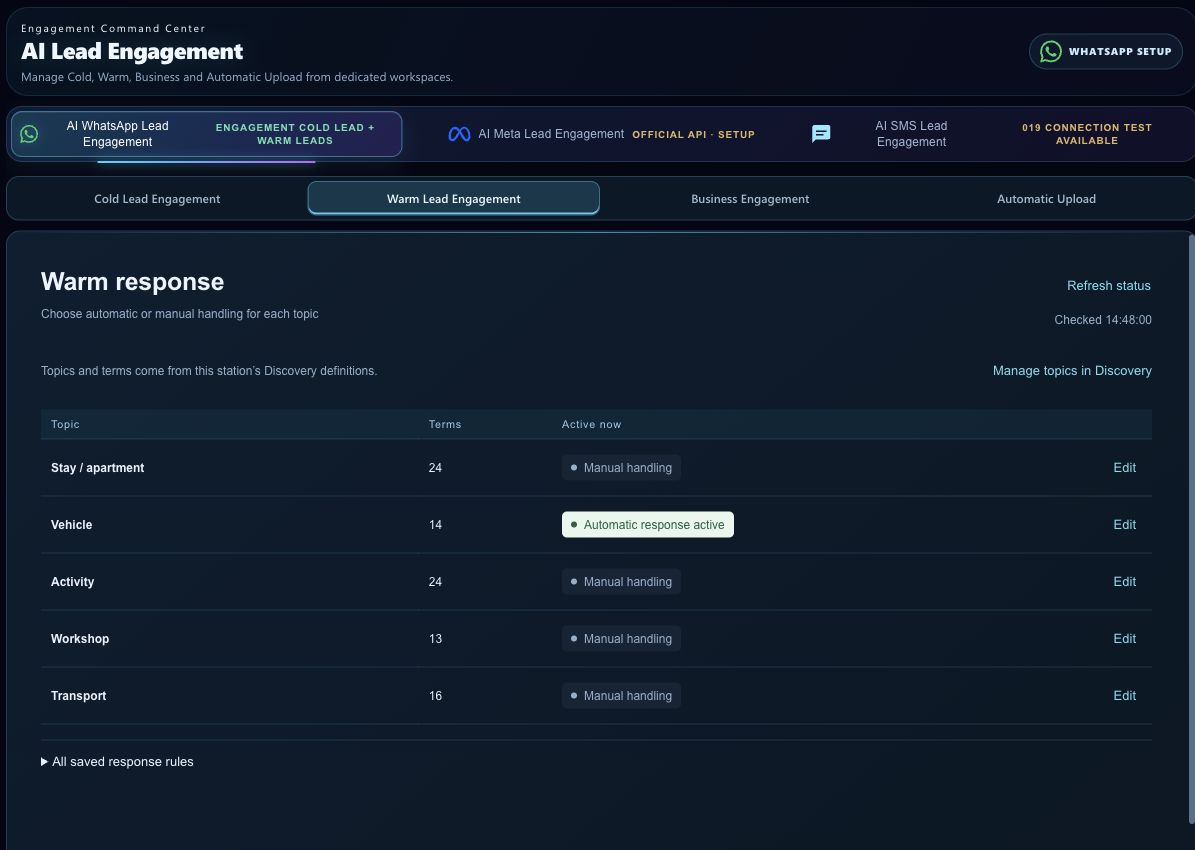
Connect selected sources, define relevant topics and run discovery workflows. Information becomes lead records with source and context. A contact database and a request with buying intent are different.
Lead generation from selected sources adds an acquisition channel that does not begin with buying media. Savings depend on the business, sources and actual results, measured during implementation.
Configure roles, knowledge, accounts and permissions. Run autonomous processes alongside manual handling, by topic and action scope. Autonomy is tailored to the business and approved scenarios.
WhatsApp is offered in all programs. Premium and Business Pro also offer Facebook and Instagram responses and a monthly SMS allowance, subject to connection and availability checks. Facebook group discovery is not part of the offer.
Start with defined workflows: replies, follow-up, record keeping and lead generation. Decide which work goes to AI employees, which needs a person, and how to measure the manual effort saved.
Map your business and workflows, verify program fit and connections, then agree the proposal. Standard setup, training and defined support are included, followed by activation and improvement against your goals.
Start with your business goal. Build the employees and workflow to move it forward.